
Using Signal Remote Manager Devices in Fortnite Creative
A Signal Remote is a device players can carry and use to send signals to other devices. You can use the Signal Remote Manager to manage how and where these signals are sent. This gives players the ability to send signals from held items in-game.
For example, a player can activate their Signal Remote to send a signal that teleports them back to their base area.
Finding and Placing the Signal Remote Manager
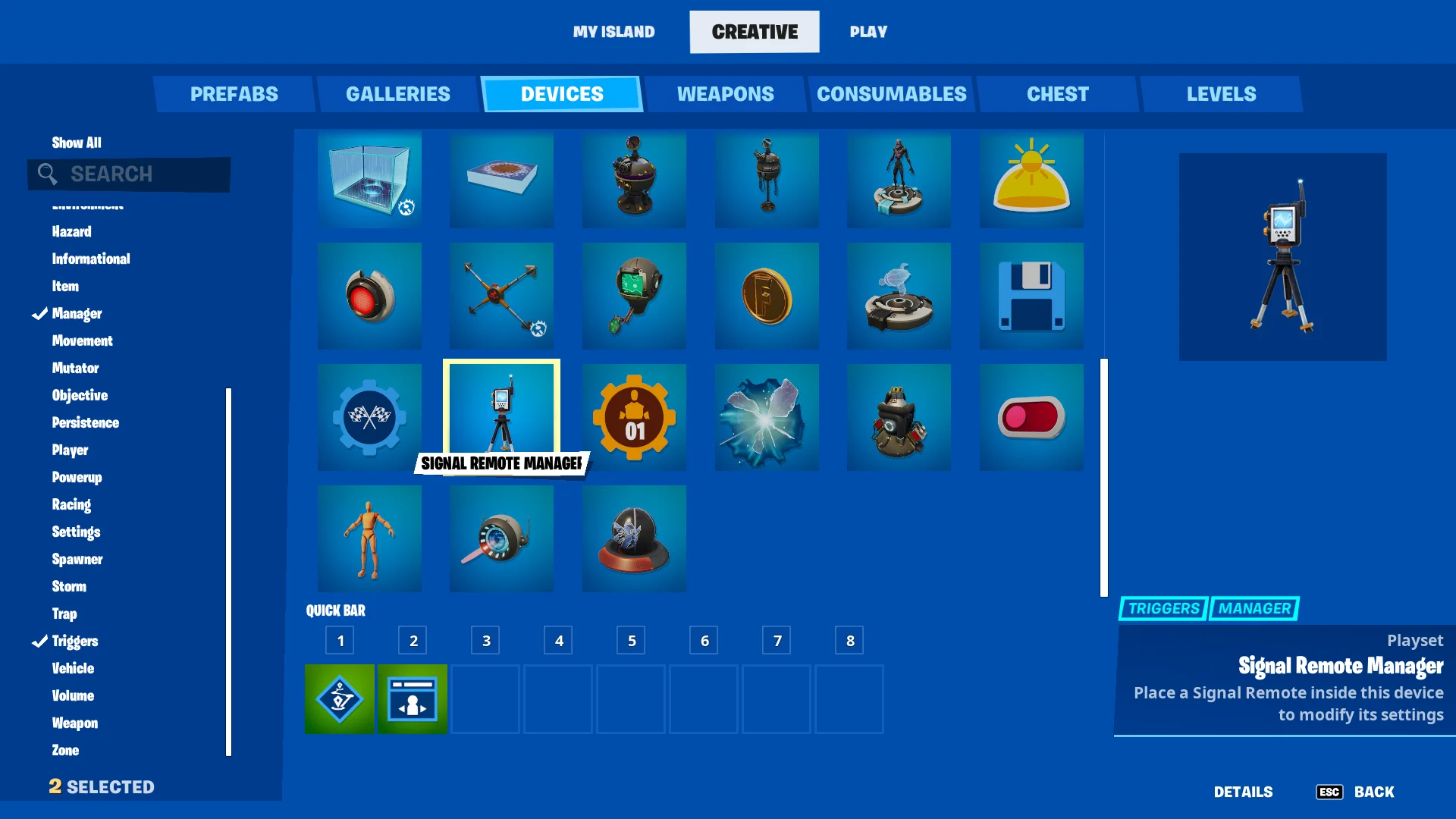
Finding the Signal Remote Manager Device
Click image to enlarge.
- From Create mode, press the Tab key to open the CREATIVE inventory screen.
- Click the DEVICES tab. You can scroll to select the device, use the Search box to look up the device by name, or the Categories in the panel on the left.
- Click PLACE NOW to place immediately, or put the device in the QUICK BAR to place later.
- Press Esc to return to your island in Create mode. Use your phone to position the device, then click to place it. Press Esc to detach the device from your phone.
- Point at the device with your phone. If the CUSTOMIZE popup doesn't open immediately, move closer until it does, then press E to open the Customize panel.
You're reading a preview
The full reference is free for BrainDeadGuild Discord members — sign in to read it all, or open the original at the source.
Sign in with your BrainDead.TV / BrainDeadGuild Discord account for full access.