
Using Class Selector UI Devices
The Class Selector UI device can create both a popup dialog and a new tab on the game Map screen to display a list of classes players can choose from.
To find the Class Selector UI device, see Using Devices](https://dev.epicgames.com/documentation/en-us/fortnite/using-devices-in-fortnite-creative).
You can use this class selection UI in many ways:
- Have players choose a class when they spawn at the beginning of the game that they keep for the entire game.
- Allow players to choose their class when the game starts, then let them change their class when they respawn.
- Decide whether a class change happens with the popup dialog or on the Map screen tab, or both if they both are available.
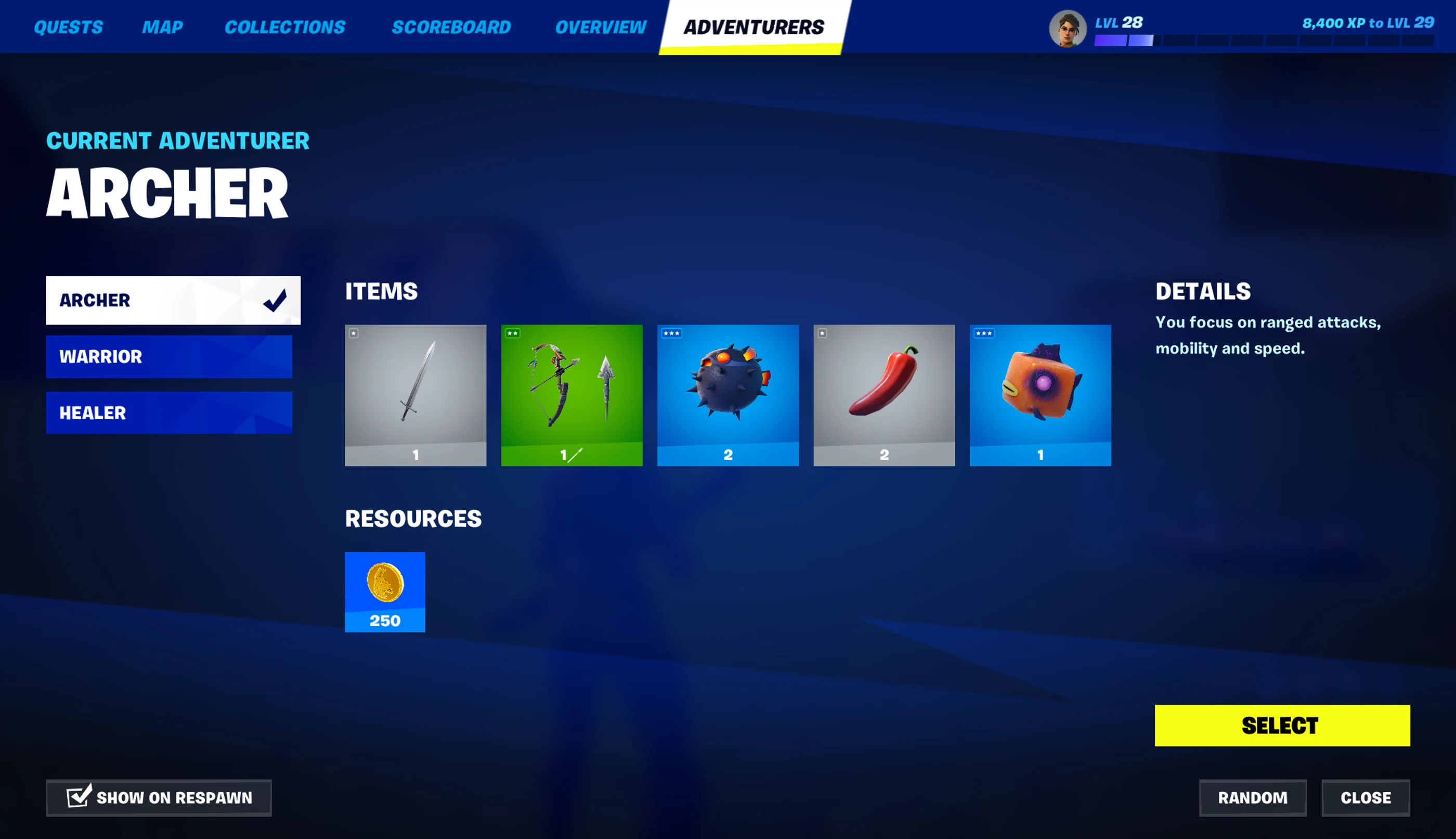
Below are illustrations of the Class Selector UI popup dialog, and the Class Selector UI tab on the Map screen.
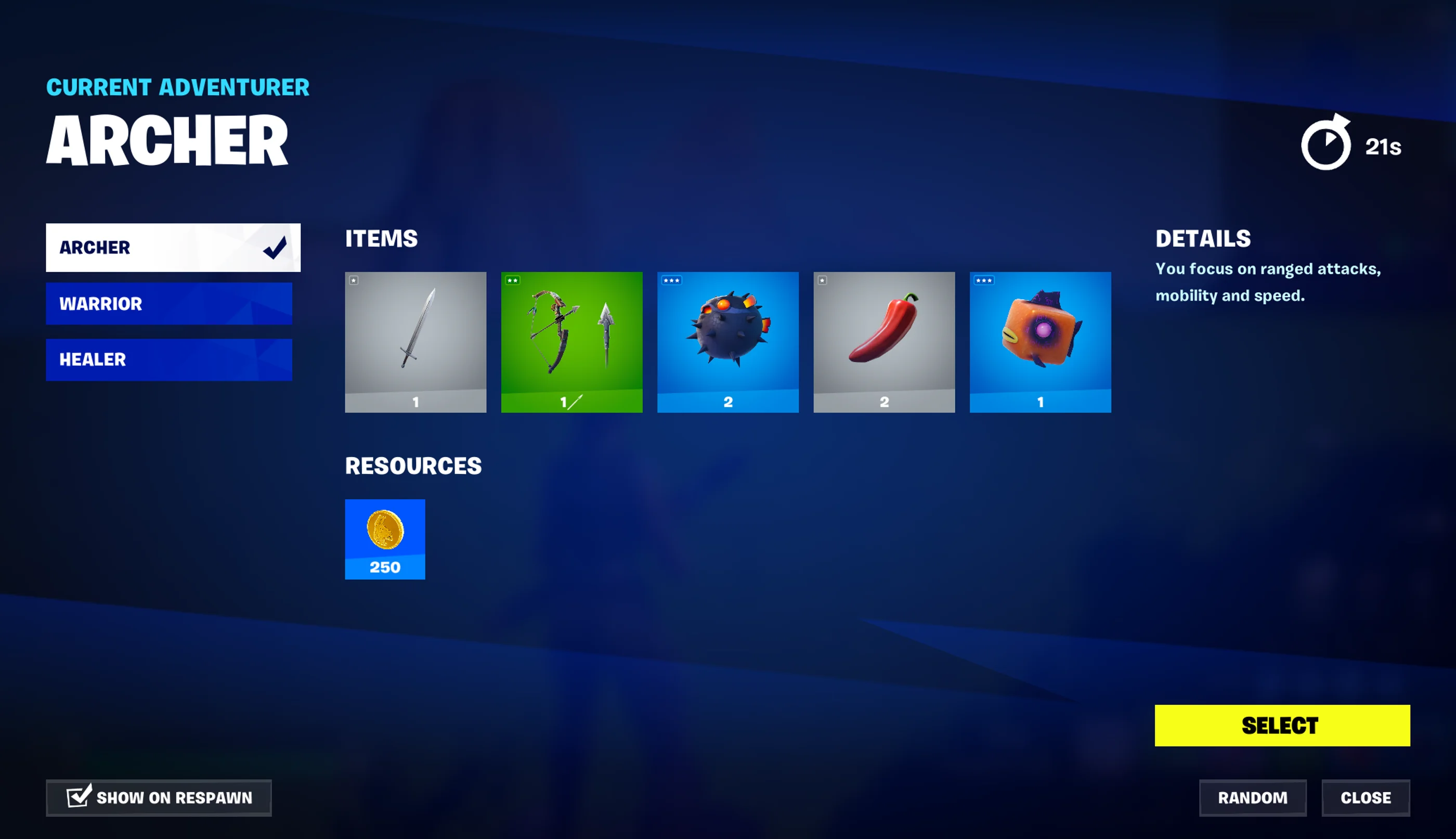
Class Selector UI Popup Dialog
You're reading a preview
The full reference is free for BrainDeadGuild Discord members — sign in to read it all, or open the original at the source.
Sign in with your BrainDead.TV / BrainDeadGuild Discord account for full access.