
Using Rocket Racing Player Start Position Devices in Unreal Editor for Fortnite
Use the RR Player Start Position device to place positions for your racers to spawn from.
This device is only available to use in a Rocket Racing UEFN island template and will only work when creating Rocket Racing experiences.
The number of start positions required is dependent on which racing game (competition or speed run) you're using.
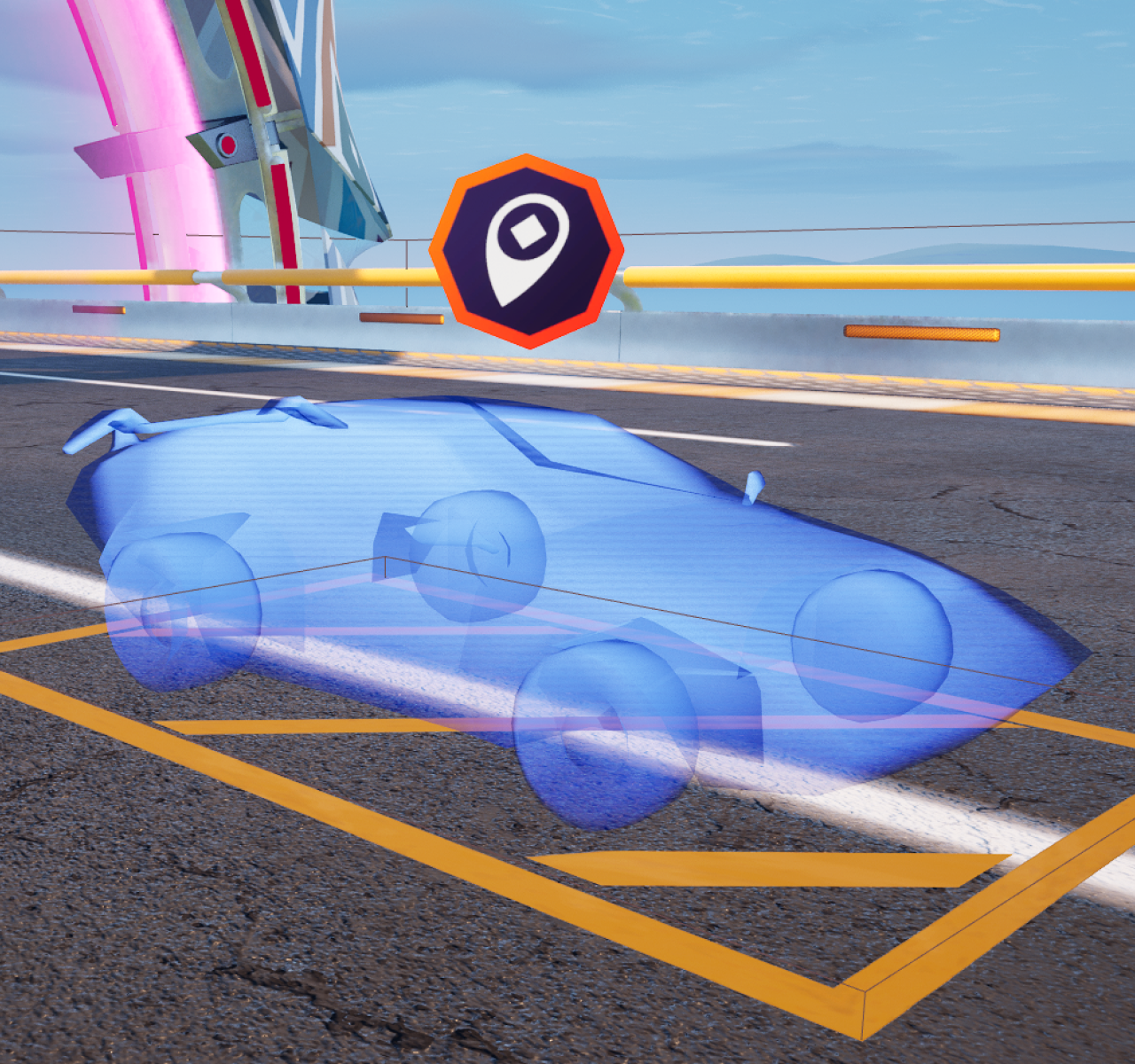
In a Competitive race, make sure to account for twelve players when placing your player start positions. You can use a staggered formation to create a classic race starting line or play around with other ideas such as all players starting on the same line, players starting at different elevations, etc. Try different ideas and see what works best for your racing experience!
In a Speed Run race, you only need one RR Player Start Position device since all players spawn from the same point.
You're reading a preview
The full reference is free for BrainDeadGuild Discord members — sign in to read it all, or open the original at the source.
Sign in with your BrainDead.TV / BrainDeadGuild Discord account for full access.