
Creating Custom Skilled Interactions
This walkthrough provides an example of a UMG (Unreal Motion Graphics) design and its View Model bindings that you can use to create a custom UI for the Skilled Interaction device.
As you create your custom skilled interaction, make sure to set an event to begin the interaction. You can also set event triggers that grant players items for successfully completing the skilled interaction.
You can build on these examples by setting cinematic cutscenes once players or objects target certain zones.
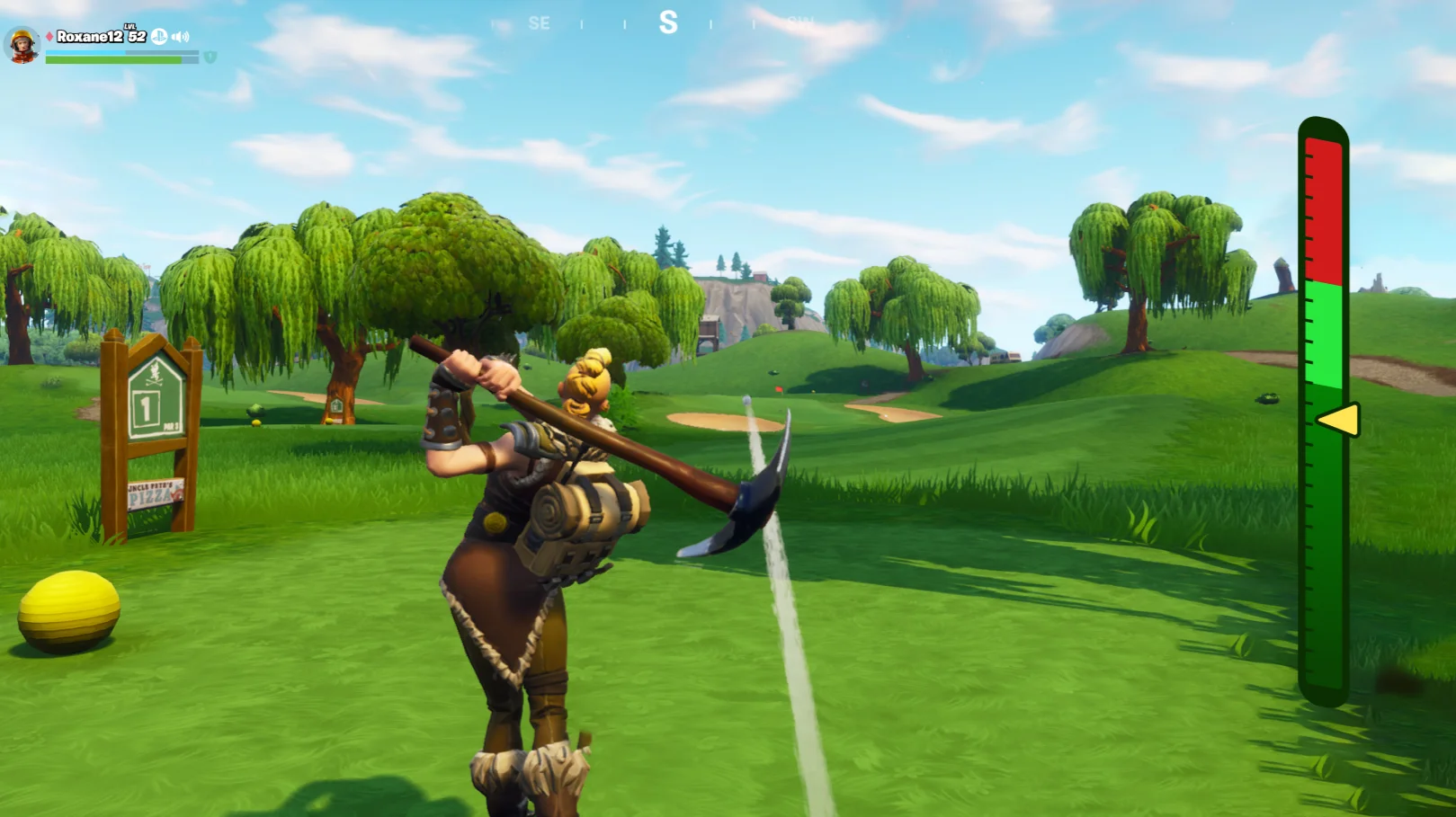
This tutorial covers how to create a quick-press skilled interaction in which players can hold a trigger input to target the correct zones.
Before you begin customizing your UI, must create and import any assets to use in your designs. Visit Creating Custom UI with Material Instances to learn more about using materials in your design.
You're reading a preview
The full reference is free for BrainDeadGuild Discord members — sign in to read it all, or open the original at the source.
Sign in with your BrainDead.TV / BrainDeadGuild Discord account for full access.