
Rocket Racing Active Track Volume Devices
RR Active Track Volume Devices
You can use the RR Active Track Volume device to change a player's active track.
You can use the RR Active Track Volume device to change a player's active track.
This device is only available to use in a Rocket Racing UEFN island template and will only work when creating Rocket Racing experiences.
During a Rocket Racing match, players always have an active track that determines the track they’re on. A player’s current active track determines things like how to calculate their position relative to others, or which track they will respawn to if they crash.
The active track is only set or changed when a player actually lands on a track, but there are cases where you might want to force which track is the active track even if a player hasn't or can’t land on it. When a player drives through the Active Track Volume, it sets the player’s active track to the track that's set on the device.
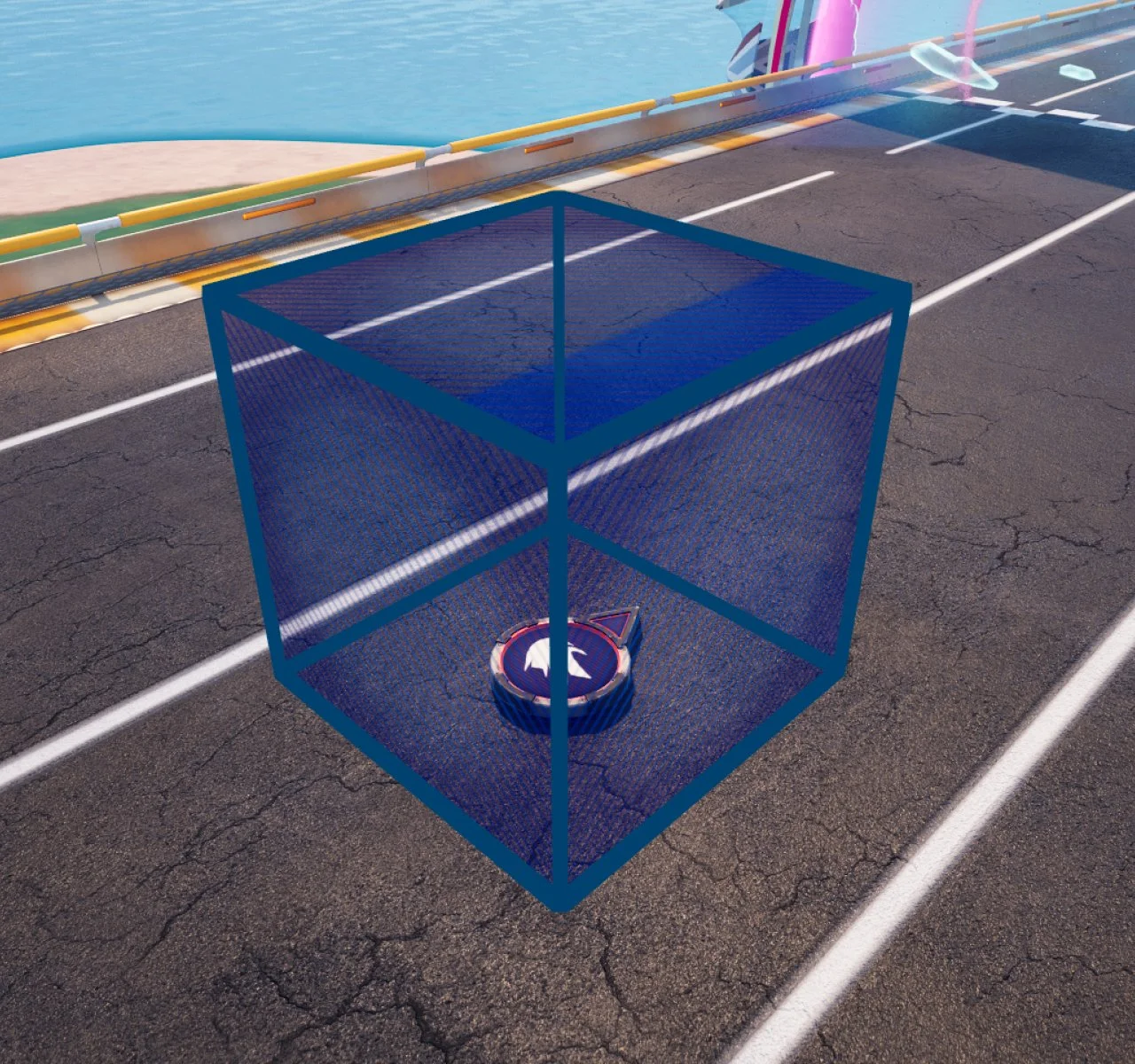
See Rocket Racing Devices for tips on how to find this device.
You're reading a preview
The full reference is free for BrainDeadGuild Discord members — sign in to read it all, or open the original at the source.
Sign in with your BrainDead.TV / BrainDeadGuild Discord account for full access.